Introduction

The idea of Phở Logic comes from the desire to promote Vietnamese culture through video games. As the country is well known through its local cuisines internationally, leveraging this acknowledgement I decided to make a draft version to test out whether the idea would work.

Furthermore, it is a good way to learn coding, game design, plus the video game and tech industry. It was a long process, but finally I finished a demo version (and learned many hardcore lessons)

Art & Design

Design Tools & Workflow

Because I wanted to save time (LOL I always have a temper 😄), subscribing to Adobe Cloud Creative turned out to be the best choice. There are no other viable options if you love designing—especially if you want to do it from scratch. If you're a student, Adobe Cloud Creative has the best subscription plans available. From mid-December till mid-February (Lunar New Year), it costs roughly $50 for the subscription. That's an incredible deal.

Sprite Design Best Practices

The design part wasn't really difficult (thank goodness for the AI revolution). For sprites, applying best practice would be using 256x256 px clean sprites as PNG with clear transparent backgrounds. However, since I wanted to deliver the best result, I made the decision to set sprite sizes at 1024x1024 px (I wish someone had warned me about this beforehand!). I kept particle designs at 256x256 px though—that was a good choice and highly recommended.

AI-Assisted Creation with Firefly

If you have enough generative AI credits with Firefly, utilize it through the generous Generative Fill function. It's the best option right now to rapidly design art and ship prototypes. All you have to do is:

  1. Draw the shape or rough outline
  2. Sketch out your ideas on paper
  3. Use generative fill to visualize your prompt
  4. Refine the ideas later to meet your needs

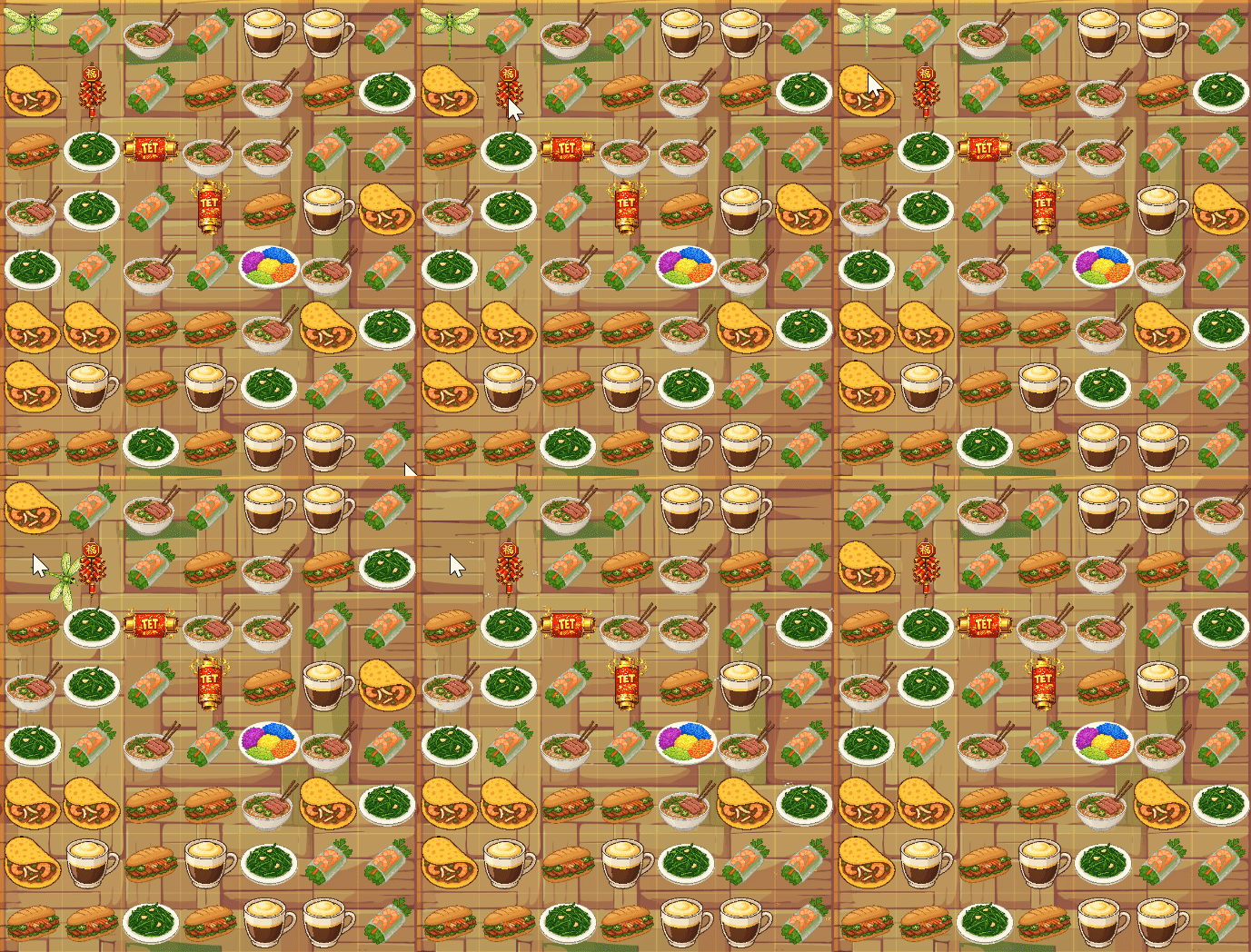
The game consists of 6 normal tiles, 5 special power-ups, and various particle effects:

Normal Tiles (6)

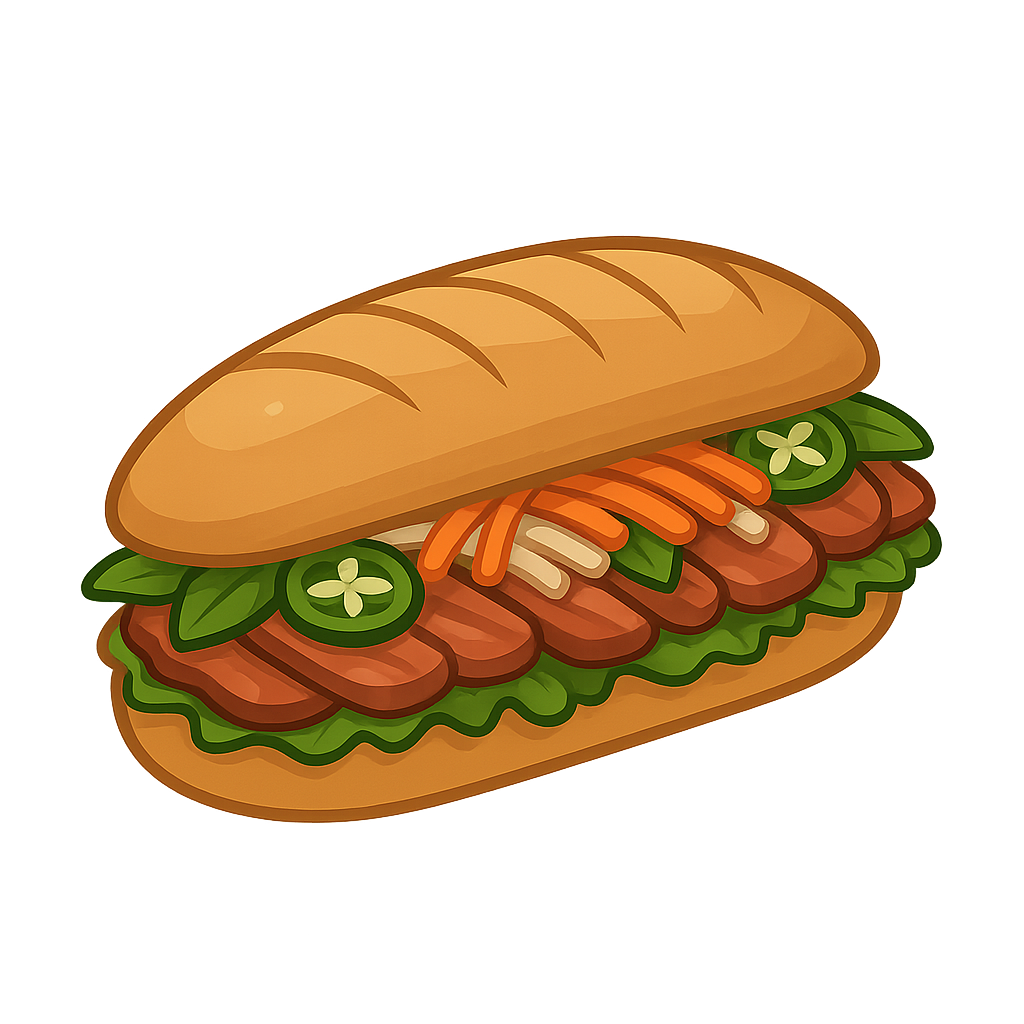
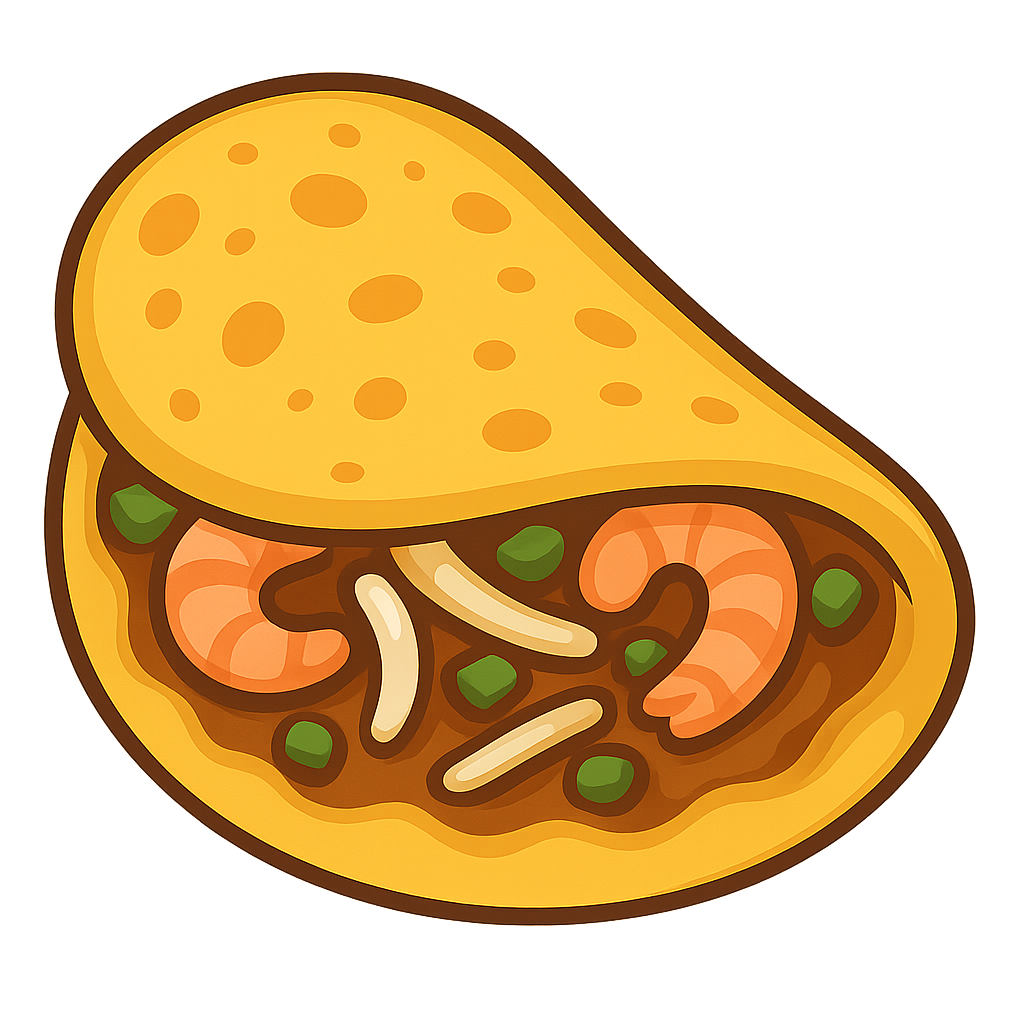
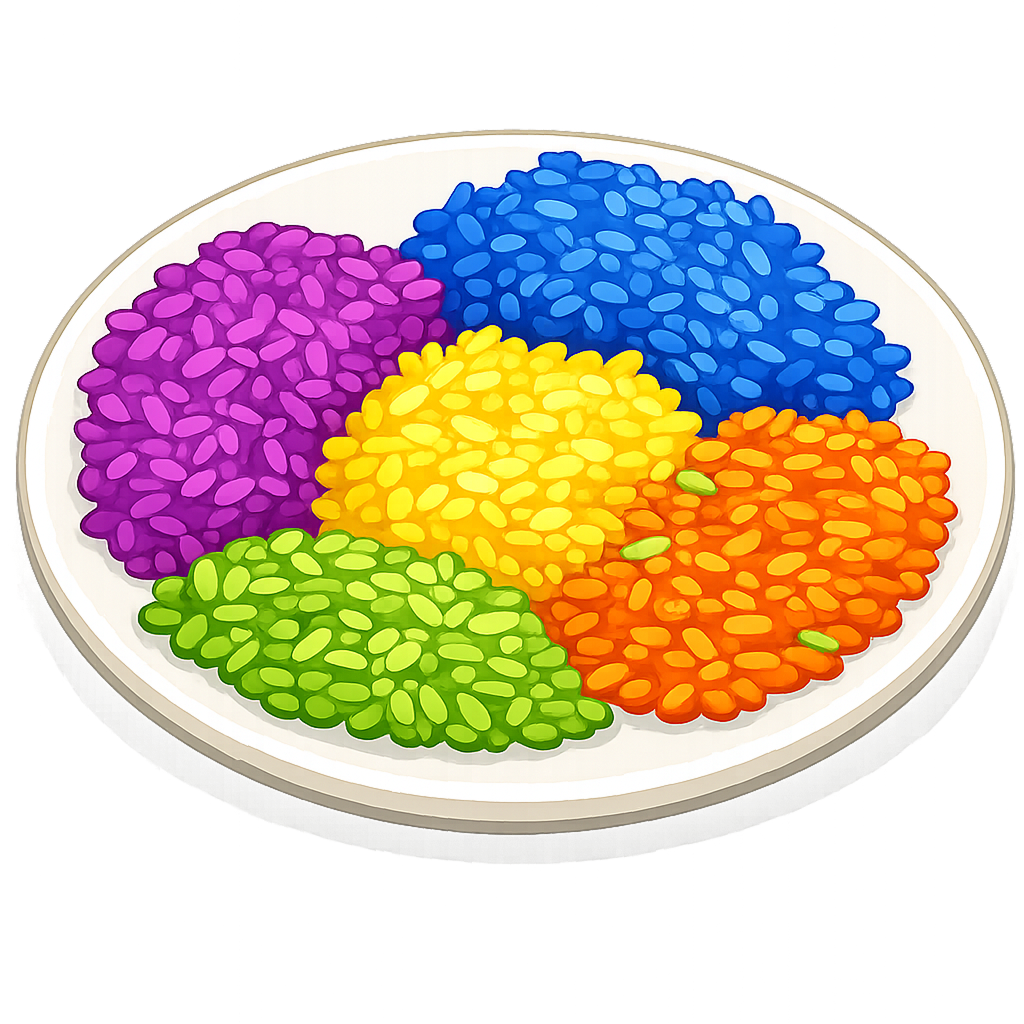
Bánh Mì 🥖, Bánh Xèo 🥞, Cà Phê Trứng ☕, Gỏi Cuốn 🌯, Phở Bowl 🍜, and Rau Muống 🥬. These form the core interactable elements of the game, each representing different Vietnamese culinary icons.

Special Power-Ups (5)

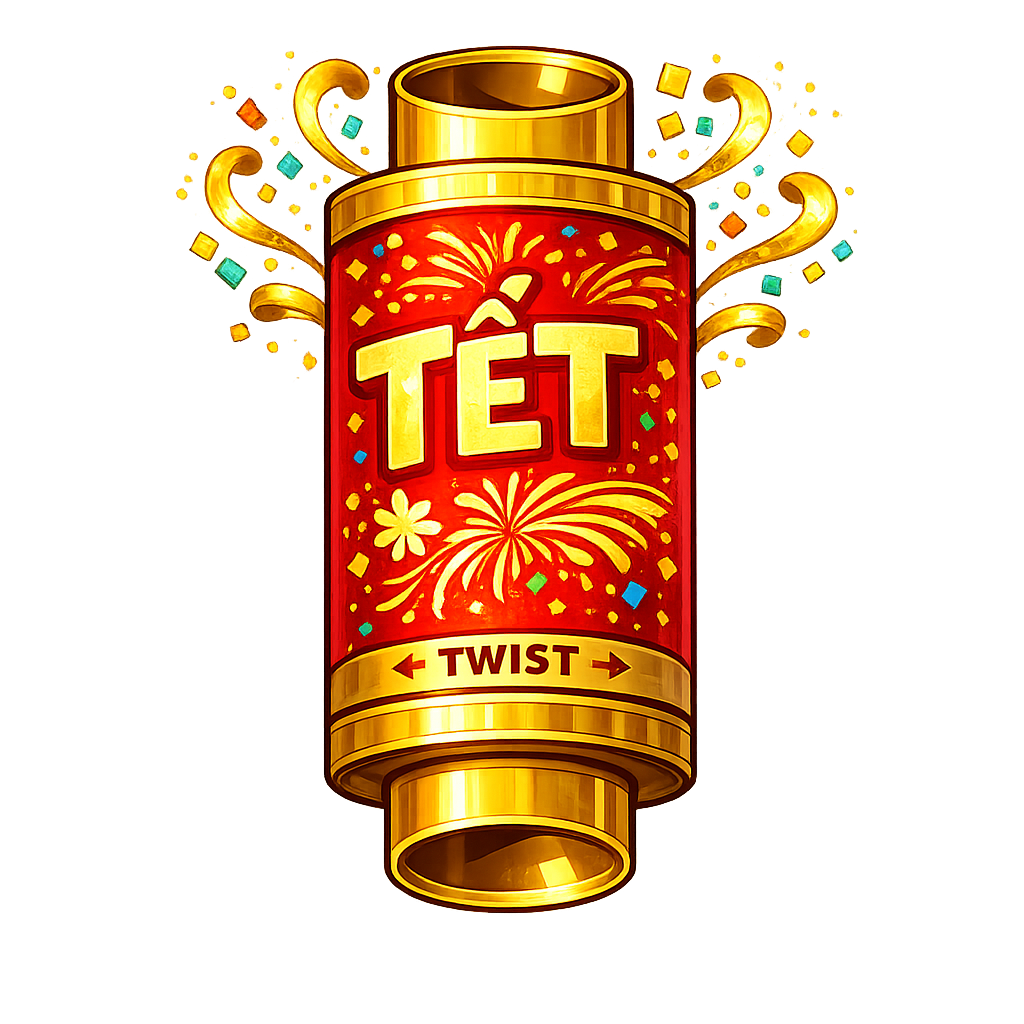
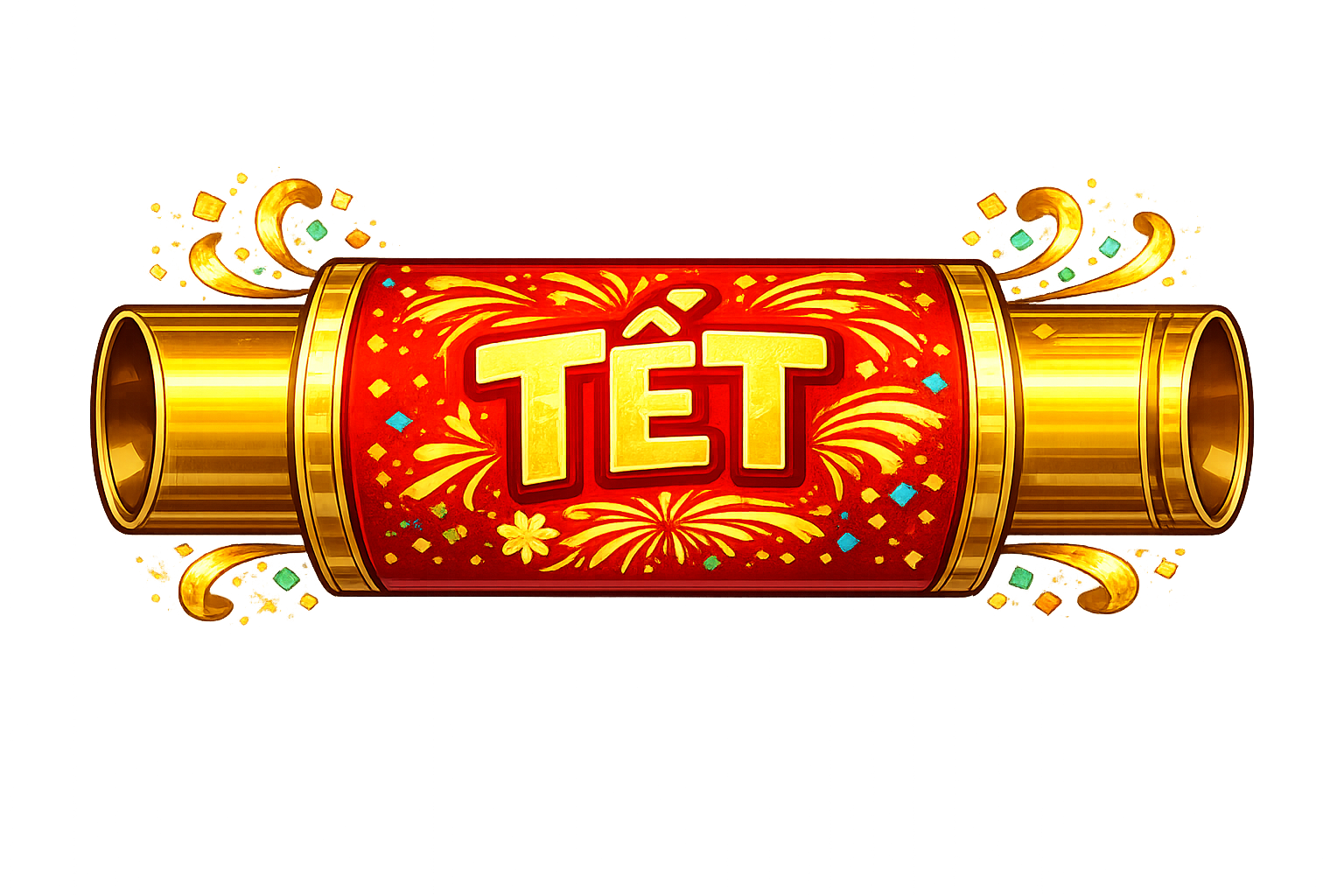
Party Popper (Vertical), Party Popper (Horizontal), Firecracker, Sticky Rice Bomb (5-color variant), and Dragon Fly. These special abilities are triggered when players make strategic matches and provide powerful cascade effects to clear larger areas of the board.

Particle Effects

Various burst particles activated when matching and clearing tiles, creating popping effects and visual feedback. Particles include bread crumbs, glass shards, soup splashes, sparkles, shrimp leaves, and more—each tied to the gameplay mechanic of satisfying tile elimination.

Asset Gallery

Art designs are displayed below:

Blocker

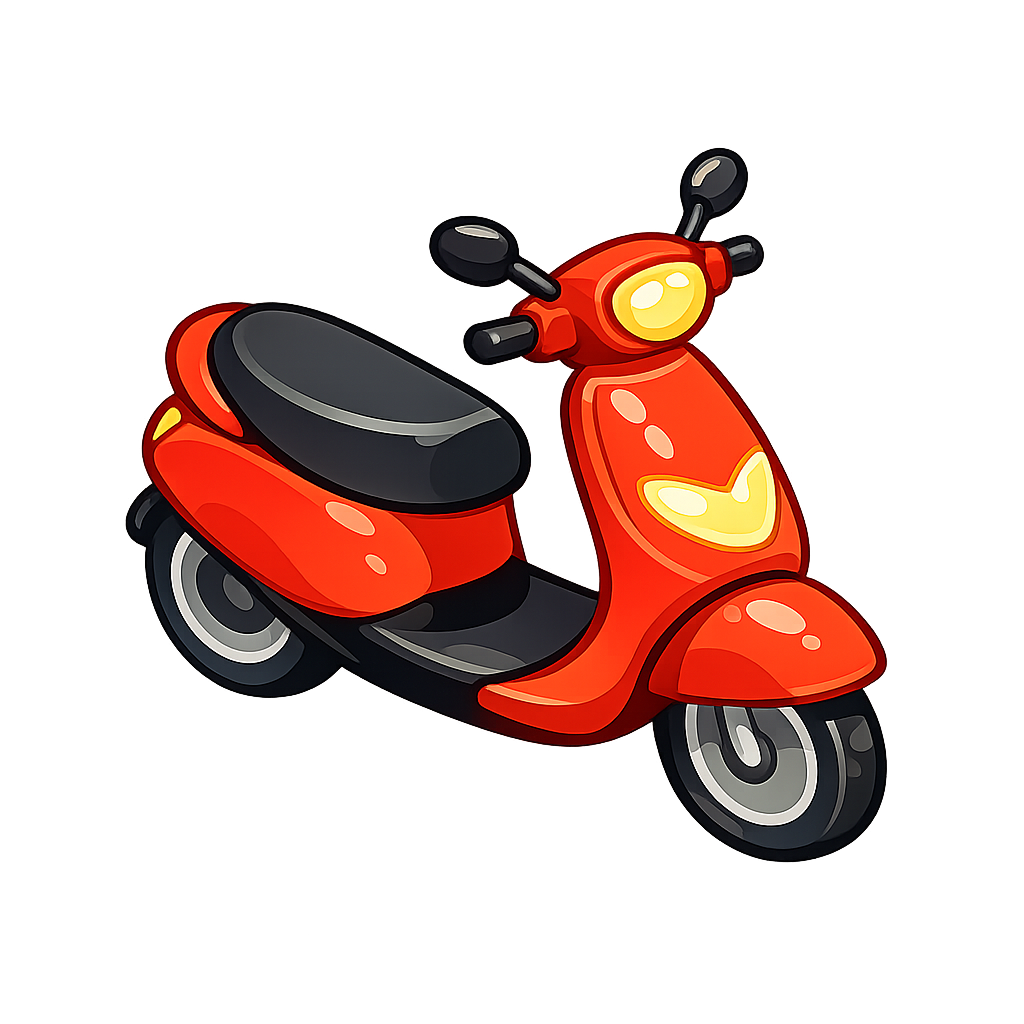
For a finishing touch on the final levels, I added the "scooter" as a blocking element into the game. It may seem a bit ironic at first, but personally I think it perfectly matches the cultural vibe. There's something quintessentially Vietnamese about the traffic and sidewalks filled with parked mopeds, bikes, and EV scooters—it's an iconic piece of modern urban life that felt right to include.

The scooter tile blocker creates an additional layer of challenge in late-game levels, forcing players to think strategically about board navigation and match planning.

Scooter Tile Blocker

Scooter Tile Blocker
1024×1024 px

Gameplay Screen Design

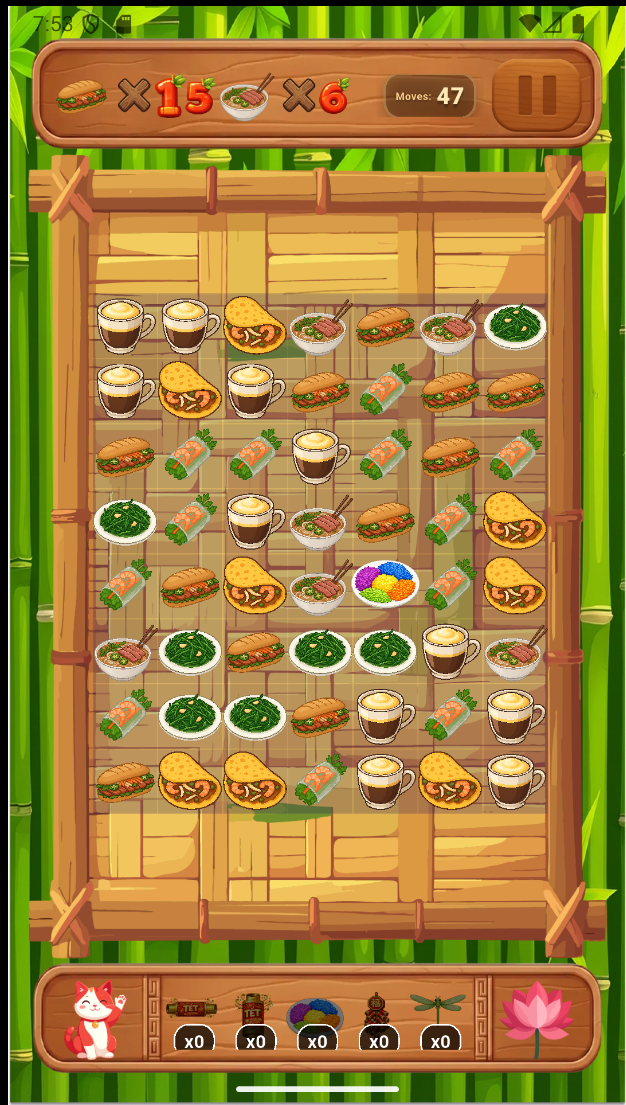
For the design of the gameplay screen, I first designed two panels as top and bottom HUDs using the same method—draw the shape and apply generative fill. These HUD elements are used to display the game moves counter, game objective, and bonus power-ups.

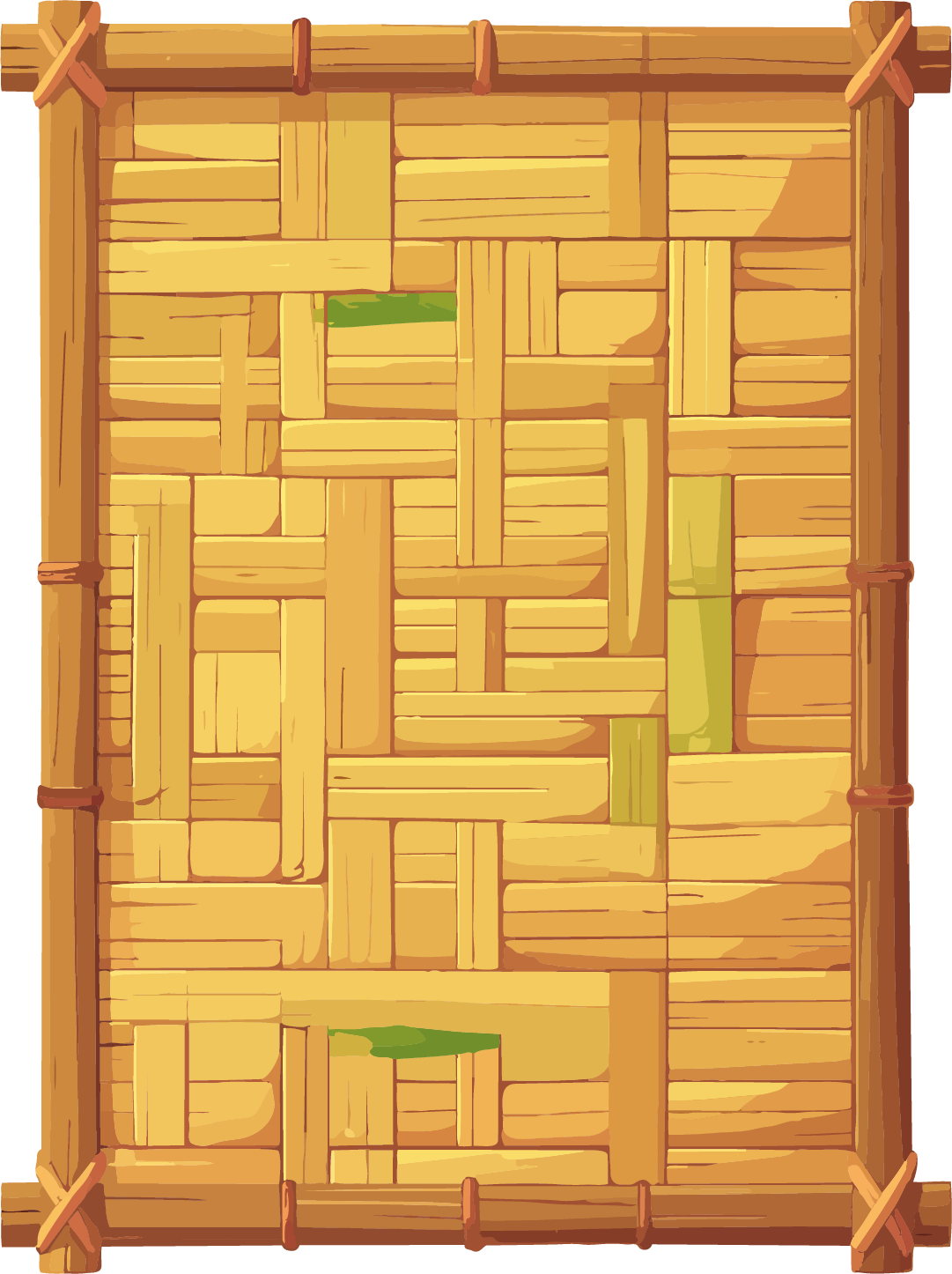
The background is static and consists of a simple bamboo background designed at 1080p. In fact, all elements that make up the gameplay are designed at 1080p. Later on you'll see that they are implemented using JSON files for responsive layout management.

The gameplay interface consists of carefully designed UI elements that create an immersive Vietnamese-themed experience.

Top HUD Panel

Top HUD Panel
1080×300 px
Moves counter & objectives

Bottom HUD Panel

Bottom HUD Panel
1080×300 px
Bonus power-ups & controls

Game Board Frame

Game Board Frame
1080×1500 px
Tile grid container

Screen Background

Screen Background
1080×1920 px
Bamboo themed backdrop

Pause Button

Pause Button
120×120 px
Game pause control

Lotus Decoration

Lotus Decoration
200×200 px
Vietnamese cultural element

Lucky Cat

Lucky Cat
150×150 px
Fortune bringing mascot

World Screen Showcase

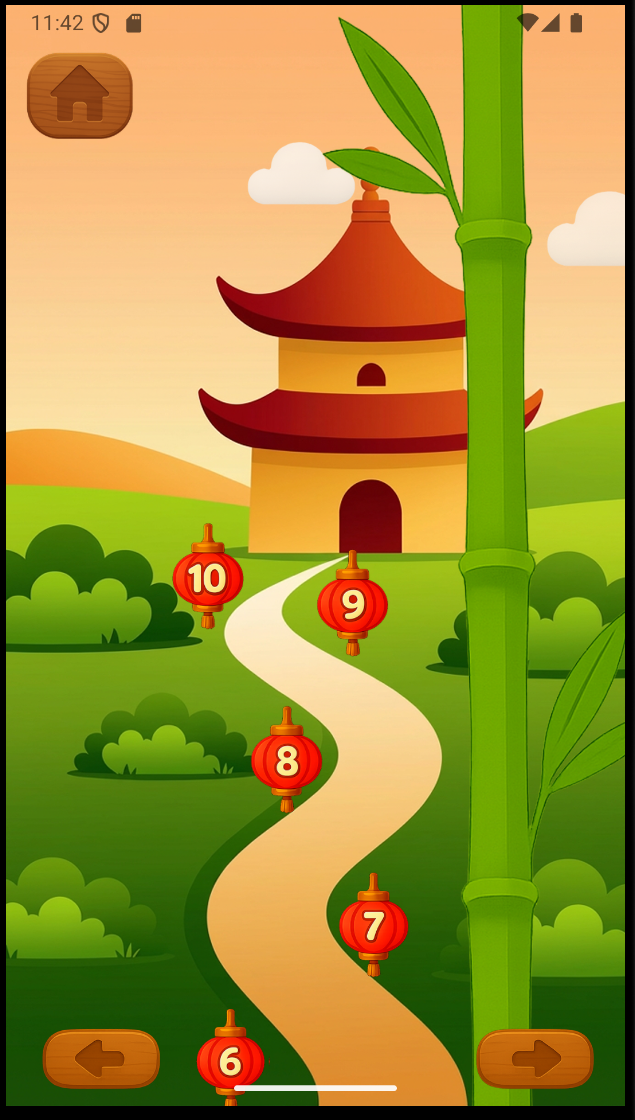
The world screens are designed using a 1080p (1080 × 1920) base resolution to ensure consistent layout scaling and visual alignment across devices.

A decorative bamboo element is animated using a subtle swing effect. This is achieved by continuously rotating the object slightly back and forth along its axis in a loop. The motion simulates natural wind movement, adding life and environmental atmosphere to the scene.

A similar looping animation is applied to the cloud elements. Instead of rotation, their X-position is gradually incremented over time and reset once off-screen. This creates the illusion of clouds drifting across the sky, reinforcing the feeling of gentle wind flow and environmental depth.

Together, these lightweight animations enhance immersion without introducing heavy performance overhead.

World Background

World Background
1080×1920 px

Bamboo Decoration

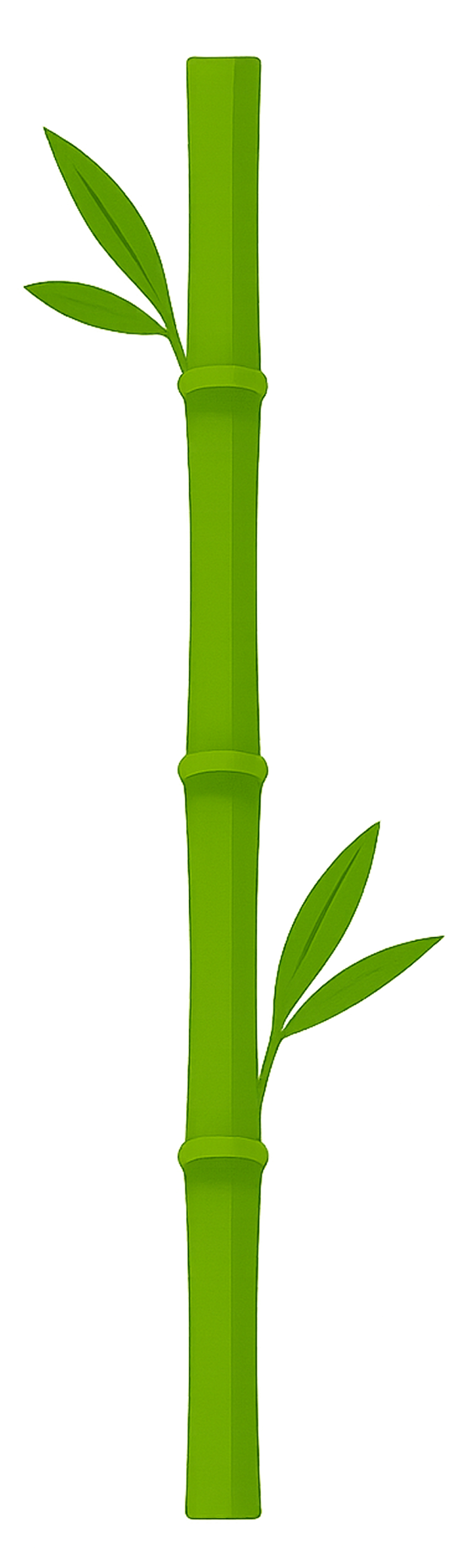
Bamboo
Decorative element

Cloud 1

Cloud 1
Sky element

Cloud 2

Cloud 2
Sky element

Cloud 3

Cloud 3
Sky element

Tech Stack

Flutter Framework

Speaking of technologies, the framework used is Flutter. Flutter is Google's UI framework, and it is very versatile. Using Dart, you can publish to Android, iOS, and Windows/macOS/Linux from one codebase. Flutter separates UI, data, and logic, which keeps the flow simple (cause to effect). Designing interfaces in Flutter can feel similar to HTML5, but in a more app-style, JavaScript-like approach.

On top of Flutter, I use the Flame library (https://docs.flame-engine.org/latest/). Flame is a lightweight 2D game engine that makes it easy to build quick prototypes. It reminds me of when Flappy Bird shook the Vietnamese game market—the developer used Cocos2d. With Flame, I can build a prototype at a similar quality level. It is not ideal for large-scale projects, but it integrates smoothly with Flutter and simplifies 2D game development.

AI-Assisted Development

Of course, if you want speed, you'll have to use a coding AI. This is the fun part—there are so many on the market right now. After testing several, GitHub Copilot and Cursor are the ones I would recommend. These companies also offer good discounts for students. I chose GitHub Copilot in the end; it brings the best results. The cost is $10 per month, so that's $20 for 2 months. A good deal for a game prototype!!!

Using Flutter for UI implementation and Flame for game rendering, the main technologies have been decided. To monitor engagement, I focus on gameplay behavior and optional in-app feedback signals. This helps me understand whether users are actually playing the game—for example, by checking if they use the free-boost panel to claim free items.

For UX, the app currently has no ads. Instead, an optional feedback section is integrated into Settings for users who want to share feedback. I used Google Forms because it's a simple and effective way to collect opinions. No personal information or compulsory questions are included, and users are warned not to share personal information. Applying what I learned in computing school, I avoided leading questions and made sure the questions are clear and easy to answer.

Key Technologies Summary

Language

Dart

Framework

Flutter (Google)

Game Engine

Flame 2D Engine

Platforms

Android, iOS, Web, Desktop

Game Design & Architecture

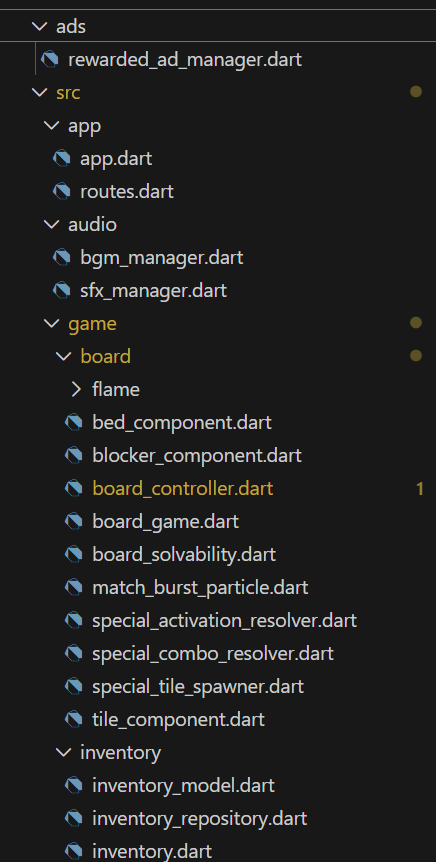
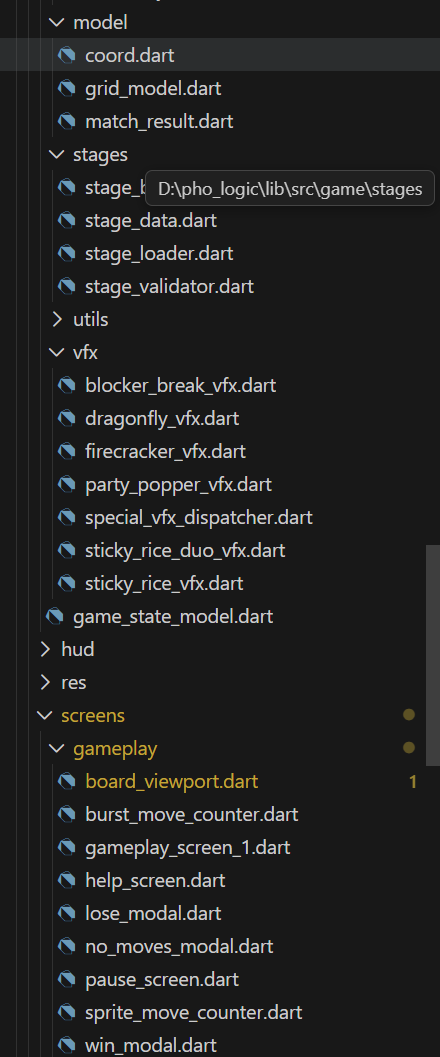
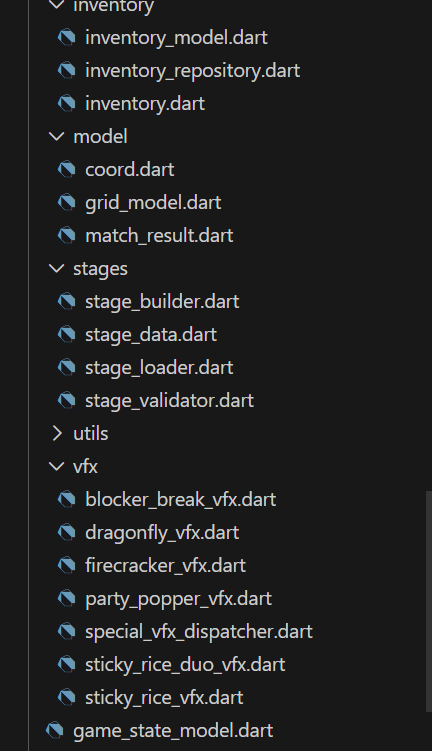
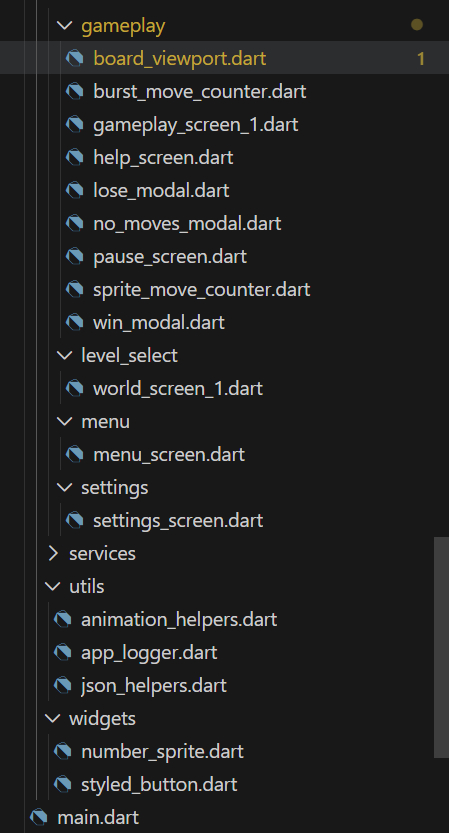
Here comes the hard part. For the sake of comprehension, I won't go into the detailed code. The source code will be uploaded to Git if anyone's interested—you can view it there. But here's the organization; I know it looks crazy.

Code Organization Diagram 1 Code Organization Diagram 2 Code Organization Diagram 3 Code Organization Diagram 4

The basics of Flutter application development—I won't go into those details. app.dart, main.dart, routes.dart are basic files that are required for basic application development. main.dart starts the app (this is also where you run the application, initialize SDKs, and run required async startup operations), app.dart wraps around the build, and routes.dart is where you set up app navigation.

On top of the executive files, I also used many different helper functions which are then organized into app_logger.dart, json_helpers.dart, animation_helpers.dart. app_logger.dart contains lots of debug functions that print what is happening as the game renders to the console. For the other two, if you understand programming you must have figured out—they are helper functions for animation calling and JSON reader calling (they are just defined in separate Dart files for organization purposes).

Project Organization Overview

lib/
├── main.dart                    # App entry point
└── src/
    ├── app/                     # App-level setup (MaterialApp, routes)
    ├── audio/                   # Sound effects & background music
    ├── game/                    # Core game logic (match-3 engine)
    │   ├── board/              # Visual rendering (Flame components)
    │   ├── model/              # Data structures (Grid, Cells, Coords)
    │   ├── stages/             # Level definitions & loading
    │   ├── inventory/          # Player's boosters/power-ups
    │   ├── vfx/                # Visual effects (particles, animations)
    │   └── utils/              # Helpers (logging, random picking)
    ├── screens/                # UI screens (menu, level select, gameplay)
    ├── widgets/                # Reusable UI components
    └── utils/                  # General utilities

The reason the game architecture is so complicated is because ( ), I wanted to create a fully functional MVP. Flame and Flutter programming follow a strict cause-and-effect model, requiring numerous functions and managers ( ). We'll dive into the most important parts: board_game.dart and board_controller.dart. Think of them as: 1) the main board (the graphics), and 2) the printed circuit (0s and 1s sending signals to control the mainboard). In this case, they're executing fiber optic functions and calling managers to control the game on board_game.dart.

JSON-Driven UI Design

For convenience, I implemented separate JSON designs. Screens such as the menu, gameplay, and level select define their visual structure in JSON files (gameplay_1.json, world_screen_1.json, etc.). Each JSON specifies background images, element positions, sizes, and layout metadata. Take a look at the snippet from gameplay_1.json below:

{
  "type": "container",
  "id": "board_frame",
  "file": "assets/boards/frames/board.png",
  "position": { "x": 540, "y": 960 },
  "size": { "w": 1080, "h": 1500 },
  "innerOffset": { "x": 0, "y": 80 },
  "anchor": "center"
},
{
  "type": "image",
  "id": "bottom_hud",
  "file": "assets/boards/frames/bottom_hud.png",
  "position": { "x": 540, "y": 1825 },
  "size": { "w": 1080, "h": 241 },
  "anchor": "center"
}

As you can see, the size and position of the board and bottom_hud are specified using x and y axes, based on the edges of the screen. Using this method makes scaling and level design much easier. I personally attempted to "vibe code" layouts using media queries and different mathematical functions, but this approach kept breaking across devices. The most reliable solution I found was to use JSON-driven design.

One of the good thing when you are studying data science is that, you know the basic of JSON 🤣. I may not be good at coding, Copilot is way better than me, but i can comprehend JSON structure enough to turn all JSON design into the kind of metadata needed for the app to understand specific coordinate of where each data should be. The application parses this JSON data using stage_data.dart, allowing screens to be designed as if targeting a fixed 1080×1920 resolution. As long as the original design is kept at 1080p, layout consistency can be maintained while scaling responsively at runtime. Copilot can then generate the appropriate coordinate-scaling logic, making responsiveness easier to implement without constantly reworking layouts.

Game Architecture Overview

In terms of programming architecture, Flutter handles the game UI and HUDs, while the Flame engine is responsible for board rendering and animation. The BoardController handles core game rules such as swap validation, match detection, gravity, refills, and cascades, and calls necessary systems like SpecialTileSpawner and SpecialActivationResolver. Conceptually, this acts as the central processing unit of the game logic (not literally).

The BoardController orchestrates the full match-3 gameplay loop. It validates whether tiles can be swapped, scans the grid for valid matches, analyzes match patterns to determine when special tiles should be spawned, clears matched tiles and blockers, applies gravity to fill empty cells, refills the board with new tiles, and repeatedly resolves cascades until the board reaches a stable state. Once the turn is complete, it decrements the remaining moves and checks win or lose conditions.

All animations, including tile movement and particle effects, are handled using Flame's MoveEffect system and custom VFX components, which will be discussed next.

Animation

Animation Approaches

For animations, you have 2 choices: utilize Flame Engine's built-in EffectController or create sprite sheet animations. The second method requires knowledge of animation tools such as Adobe After Effects or Rive, etc. These tools can be used to create animations and then export them to Lottie, Riv, or sprite sequences that can be merged into sprite sheets.

However, since I'm not skilled at animation, I decided to use Flame's EffectController. Ordinary animations are easy to implement—match, spawn burst, and then just link them to the prepared particles.png.

Flame Effects for Special Powers

Flame effects were specifically used for the following in-game powers:

Special Power Effect Description
Dragon Fly Fly to a random tile type swapped with
Party Popper Horizontal Clear Horizontal
Party Popper Vertical Clear Vertical
Firecracker Like a dynamite bomb but use a big TET particle
Sticky Rice Bomb Clear all same tile swapped with

Actual animations in action

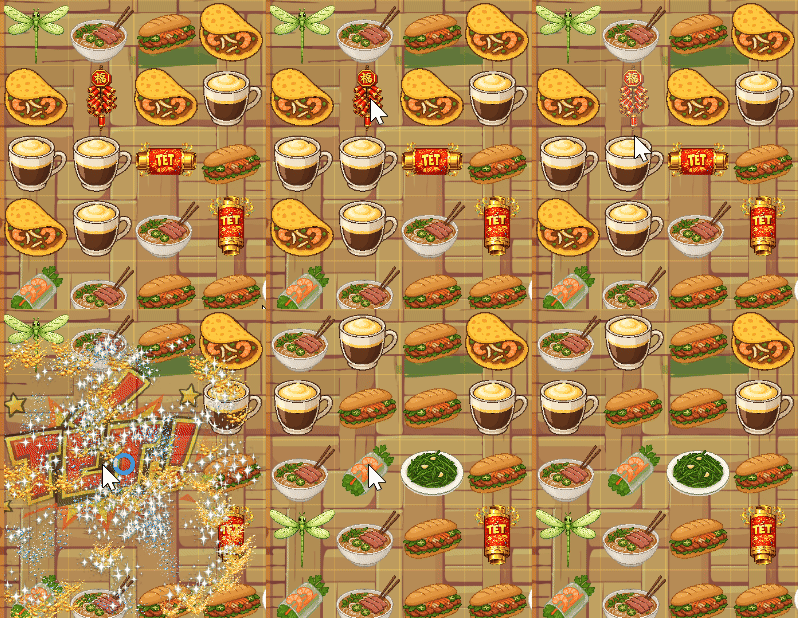
Firecracker Animation

Firecracker

Dynamite bomb effect with big TET particle

Horizontal Party Popper Animation

Party Popper Horizontal

Clears entire horizontal row

Vertical Party Popper Animation

Party Popper Vertical

Clears entire vertical column

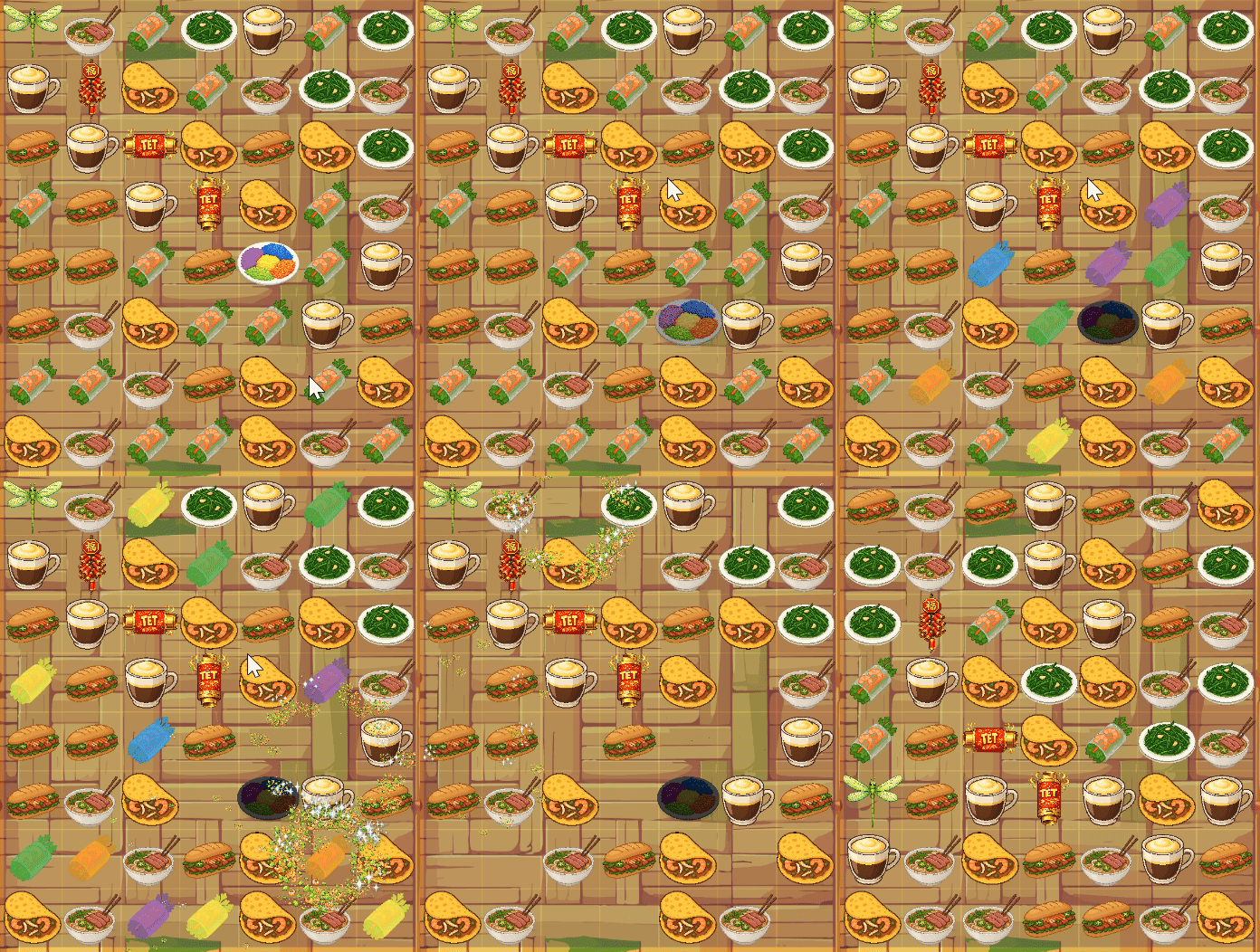
Sticky Rice Bomb Animation

Sticky Rice Bomb

Clears all tiles of the same type

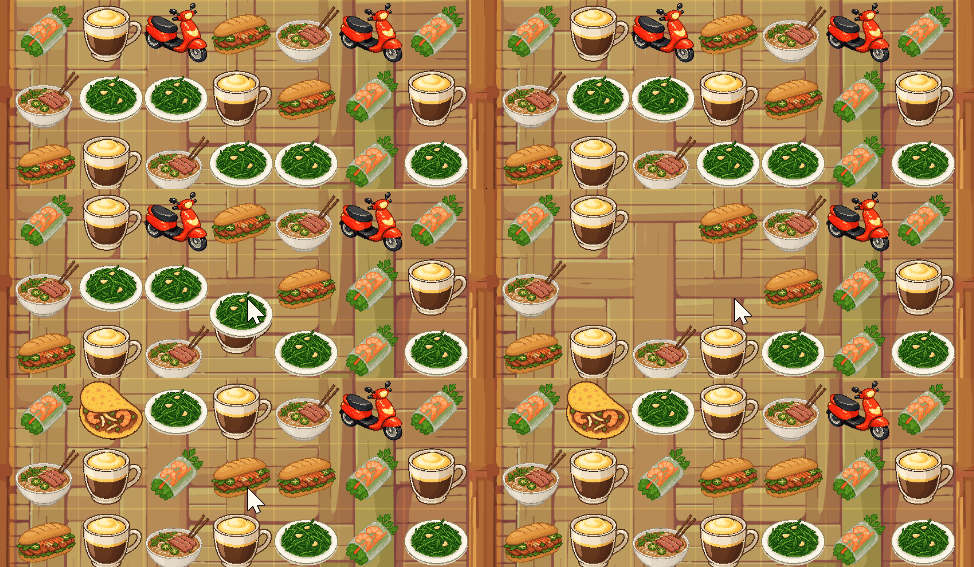
Blocker Animation

Scooter Blocker

Obstacles that must be cleared

Dragon Fly Animation

Dragon Fly

Fly to a random tile type swapped with

Here are the animations after implementation. These were made purely with Move Effects, Rotate Effects, Color Effects...etc.

Sound Effects & Background Music

For prototyping I used royalty-free SFX and BGM from community audio libraries (Pixarbay to be exact). These sites provide many usable tracks and sound effects, but you should always verify the specific license for each file before publishing. For this project I avoided redistribution of third-party assets and only embedded the music in the project in compliance with PixarBay License.

Try it: click any player below to play the audio.

Limitations & Reflections

3) Engine Fit and Development Focus

I likely chose the wrong engine for my long-term goals. Flame was approachable and fast for prototyping, but it may not be robust enough to deliver the level of polish and impact I am aiming for. Because of that, I also spent too much time trying to fully understand every detail of the code instead of maintaining momentum and focusing on high-level architecture, which is where vibe coding works best when an engine has stronger built-in support.